Get the Dance Arts App
Class info, dress codes, announcements, and messages from your child’s instructors, all in one place.
You’ll need a registration code
Creating an account asks for a Registration Code from Dance Arts. Contact us for a registration code.
iPhone
- 1Open the Dance Arts app in the App Store.
- 2Tap Get, then open the app and sign in, or create an account with your registration code.
Android
The Android app installs from our website instead of the Google Play store. It works the same way as the iPhone app.
- 1Open the link below in your phone’s browser (Chrome or Samsung Internet).
- 2Tap Install in the red banner at the top. If you don’t see it, open the browser menu (⋮) and tap Add to Home screen or Install app.
- 3Open Dance Arts from your home screen and sign in, or create an account with your registration code.
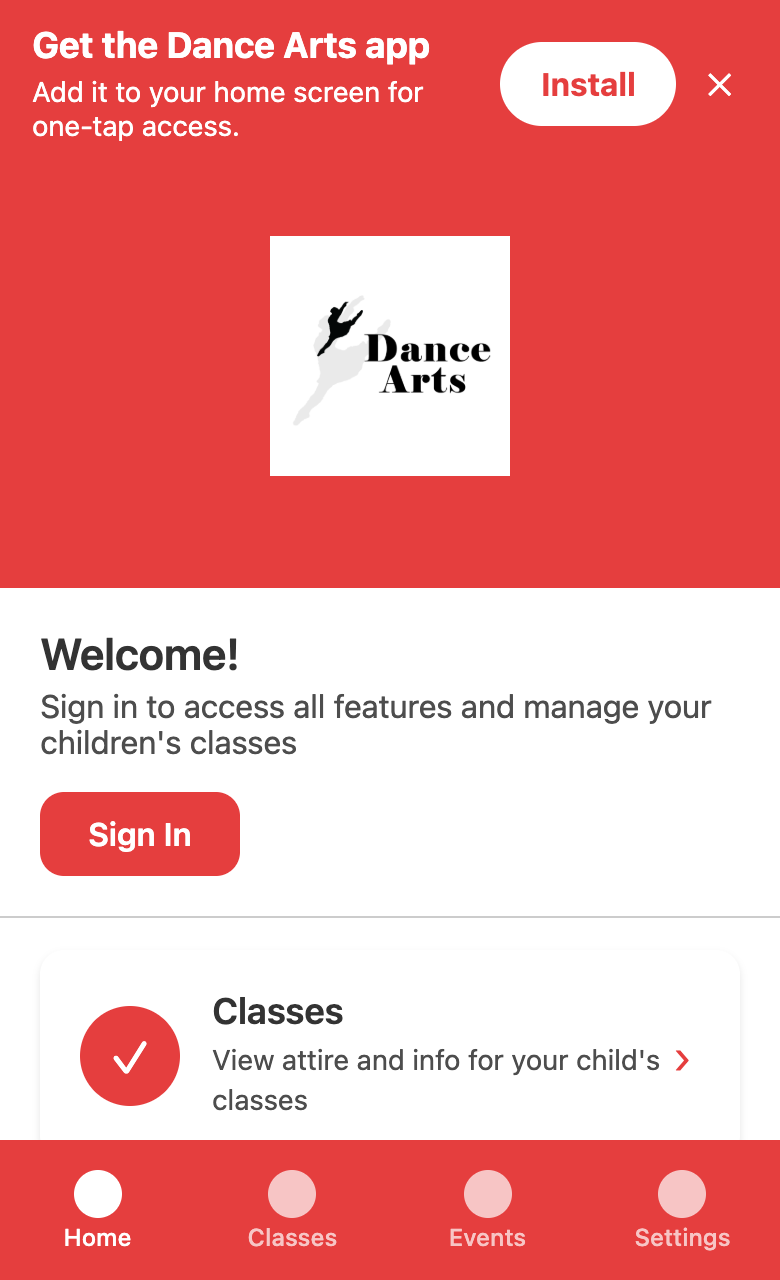 Open the Android App
iPad
The App Store version is made for iPhone, so iPads use the same web app as Android.
- 1Open the link below in Safari.
- 2Tap the Share button (the square with an arrow), then Add to Home Screen.
- 3Open Dance Arts from your home screen and sign in, or create an account with your registration code.
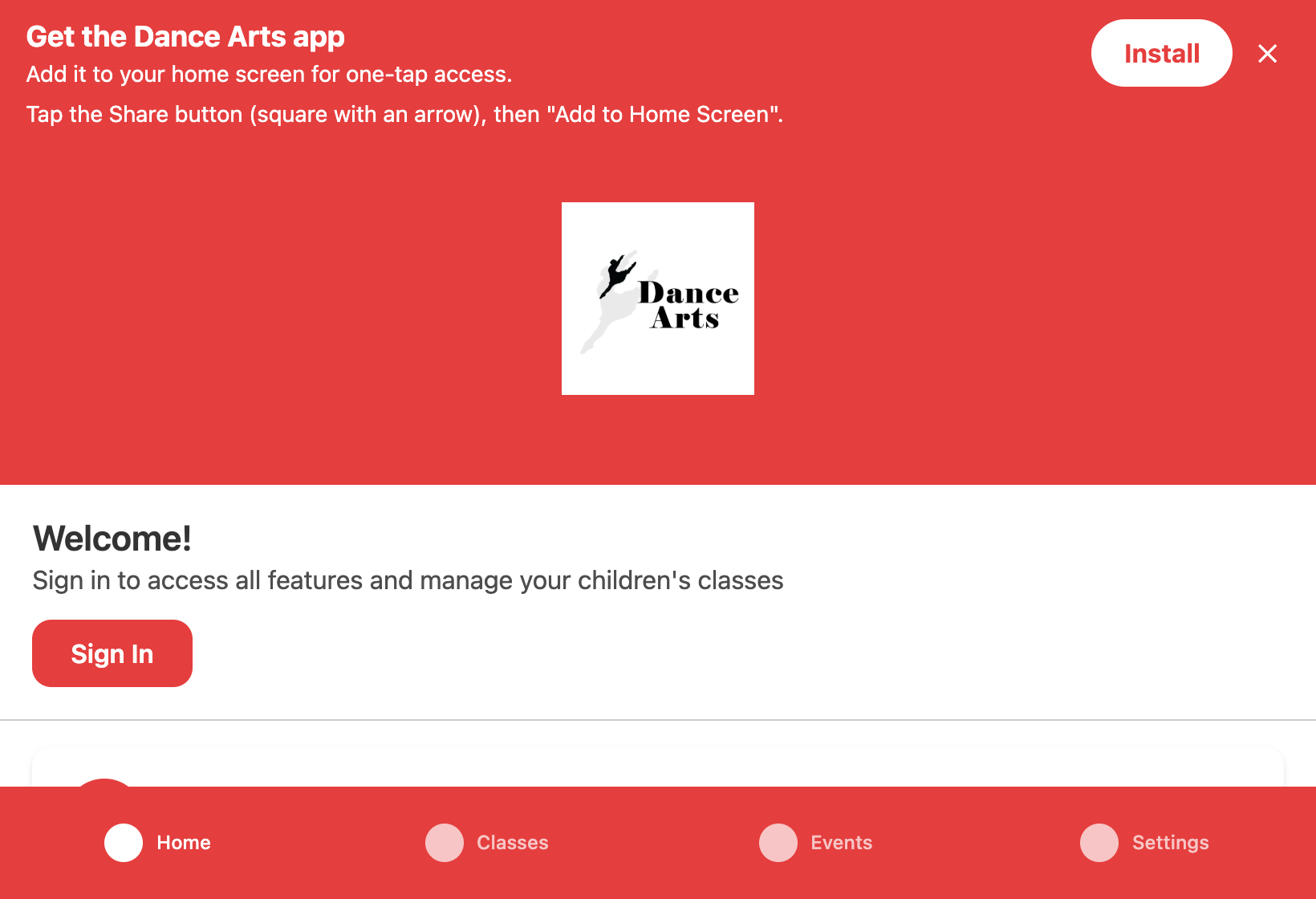 Open the iPad App
Good to Know
Turn on notifications
To get studio announcements, go to Settings → Notifications in the app and tap Enable Notifications. On Android and iPad, install the app to your home screen first.
Opened the link in Facebook or Instagram?
Their built-in browsers can’t install apps. Tap the menu and choose Open in browser, then follow the steps above.